
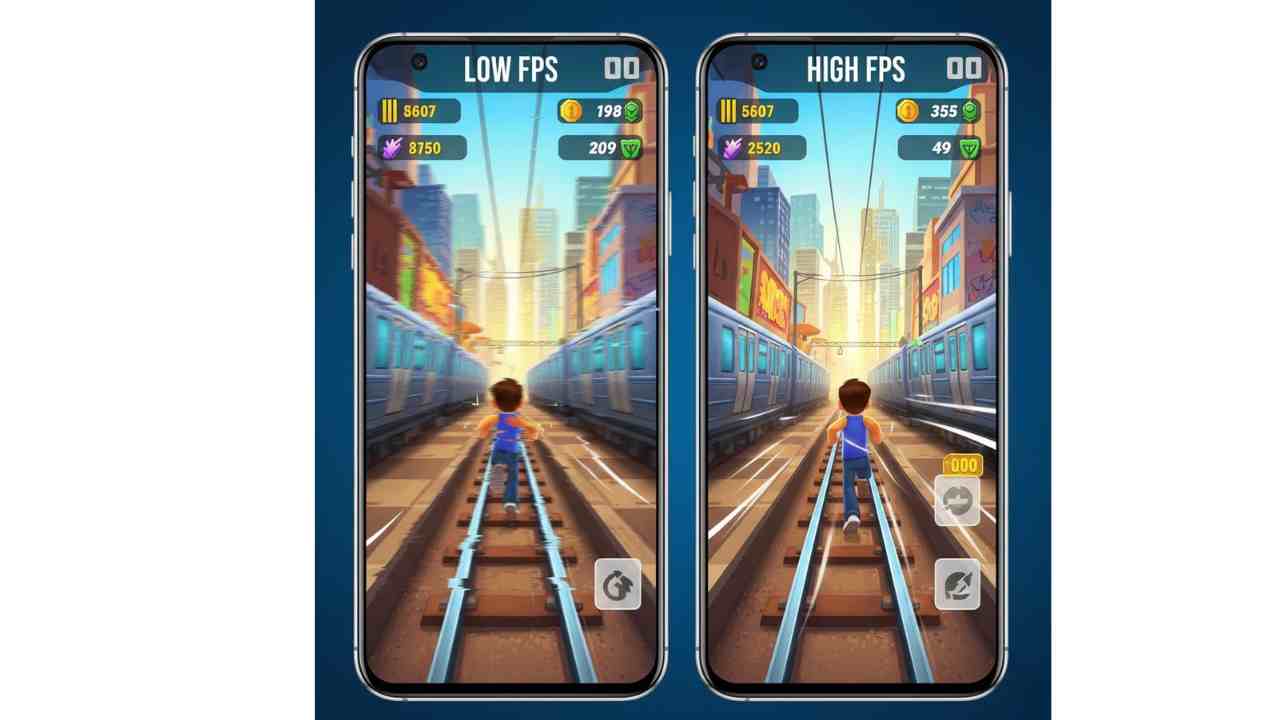
Does FPS really matter in Subway Surfers? This question has become more relevant in 2025 as Android devices now offer high refresh rate displays and powerful processors. Many players notice smoother gameplay on some phones while others experience stutter, even though Subway Surfers is considered a lightweight game.
This article explains what FPS means, whether it truly affects Subway Surfers gameplay, and how much FPS is actually enough, based on specifications, benchmarks, and user reports—not personal testing.
Why FPS Matters More in 2025
In 2025, smartphones across India, the USA, and Brazil commonly feature 90Hz, 120Hz, and even 144Hz displays. As a result, expectations for smooth gaming have increased.
While Subway Surfers does not demand console-level hardware, FPS still affects:
- Gameplay smoothness
- Touch response timing
- Visual consistency during fast runs
According to manufacturer data and user reports, smoother frame delivery improves reaction-based games, even casual runners like Subway Surfers.
Also Read: How to Fix Lag in Subway Surfers on Android (2025 Guide)
What Is FPS? (Simple Explanation)
FPS stands for Frames Per Second. It refers to how many images your device displays every second.
Common FPS Levels
- 30 FPS – Basic smoothness
- 60 FPS – Standard smooth gaming
- 90–120 FPS – Ultra-smooth visuals (device dependent)
Higher FPS means animations look smoother and input feels more responsive.
Does Subway Surfers Support High FPS?
Based on available technical data and gameplay benchmarks:
- Subway Surfers is optimized primarily for 60 FPS
- The game does not officially unlock 90 FPS or 120 FPS modes
- Higher refresh rate displays may feel smoother, but the FPS output remains capped
Key Insight
A 120Hz phone does not mean Subway Surfers runs at 120 FPS. The display refresh rate and in-game FPS are different.
Minimum & Recommended Device Requirements (2025)
Based on current Android standards and user benchmarks:
| Requirement Type | Specifications |
|---|---|
| Minimum RAM | 2 GB |
| Recommended RAM | 4 GB or more |
| Processor | Entry-level quad-core or better |
| Android Version | Android 8.0+ |
| Stable FPS Target | 60 FPS |
Devices meeting these specs are well-suited for consistent Subway Surfers gameplay.
How FPS Affects Subway Surfers Gameplay
1. Reaction Timing
Higher FPS reduces visual delay, helping players dodge trains more accurately.
2. Animation Smoothness
At 30 FPS, movements may appear slightly choppy during high-speed runs.
3. Touch Responsiveness
Stable FPS helps ensure swipe gestures register correctly.
According to user reports, inconsistent FPS impacts gameplay more than lower FPS.
Is 60 FPS Enough for Subway Surfers?
Yes. Based on specifications and benchmarks:
- 60 FPS is ideal
- Anything above offers minimal practical advantage
- Stability matters more than high numbers
A consistent 60 FPS delivers smooth visuals and responsive controls across all regions.
Optimization Tips for Better FPS on Android
These steps help maintain stable FPS without modifying the game:
- Close background apps
- Enable performance mode (if available)
- Keep Subway Surfers updated
- Avoid overheating during long sessions
- Lower system animations in Android developer options
These tips are applicable for users in India, the USA, and Brazil, regardless of device brand.
Final Verdict
FPS does matter in Subway Surfers—but only to a point.
Conclusion
- Stable 60 FPS is more than sufficient
- Higher FPS offers minimal gameplay advantage
- Performance consistency is the real key
For most players, focusing on stability delivers the best experience.
Also Read:
- Best Phones for Subway Surfers (2025)
- iQOO Z7 Pro 5G: Specifications, Features, and 2025 Relevance
- Redmi Note 13 Pro: Specifications, Performance, and 2025 Relevance
- Realme Narzo 80 Pro: Full Specifications, Features & Performanc
- iQOO Z10R 5G: Specifications, Performance & Market Relevance in 2025
- Samsung Galaxy M36 5G: Specifications, Features, and 2025 Perspective
- realme C67 5G: A Practical 5G Smartphone for Everyday Users in 2025
FAQs: FPS and Subway Surfers
Does Subway Surfers run at 120 FPS?
No. Based on current data, the game is capped around 60 FPS.
Is 30 FPS playable in Subway Surfers?
Yes, but 60 FPS provides noticeably smoother gameplay.
Does a 120Hz phone improve Subway Surfers?
It improves screen smoothness but not the game’s FPS output.
Can FPS drops affect scores?
Yes. Sudden frame drops may impact reaction timing.
Does FPS depend on internet speed?
No. Subway Surfers performance is device-dependent, not network-based.
Disclaimer:
This article is based on publicly available specifications, manufacturer information, benchmark data, and user reviews. Actual performance may vary depending on device variant, software updates, and usage conditions.

Simran Shah is a technology writer, graphic designer, and digital content creator with over 4 years of hands-on experience in the Indian tech space. She covers budget smartphones, gadgets, and tech accessories — with a strong focus on helping everyday Indian buyers make smarter purchasing decisions without overspending.
Simran runs two YouTube channels dedicated to AI tools, mobile technology, and automobiles, where she breaks down complex tech topics into simple, actionable content. Her research process involves comparing real specs, reading user reviews, and testing usability — so her recommendations reflect genuine insight, not just specifications copied from brand pages.
As a graphic designer working with tools like Canva and Leonardo AI, she brings a unique visual perspective to tech content — understanding both the product and how to communicate it clearly. Her content has been created with one goal in mind: do the research so you don’t have to.
When she’s not writing or designing, she’s deep-diving into the latest gadget launches, affiliate product comparisons, and AI developments shaping the tech world in India.