
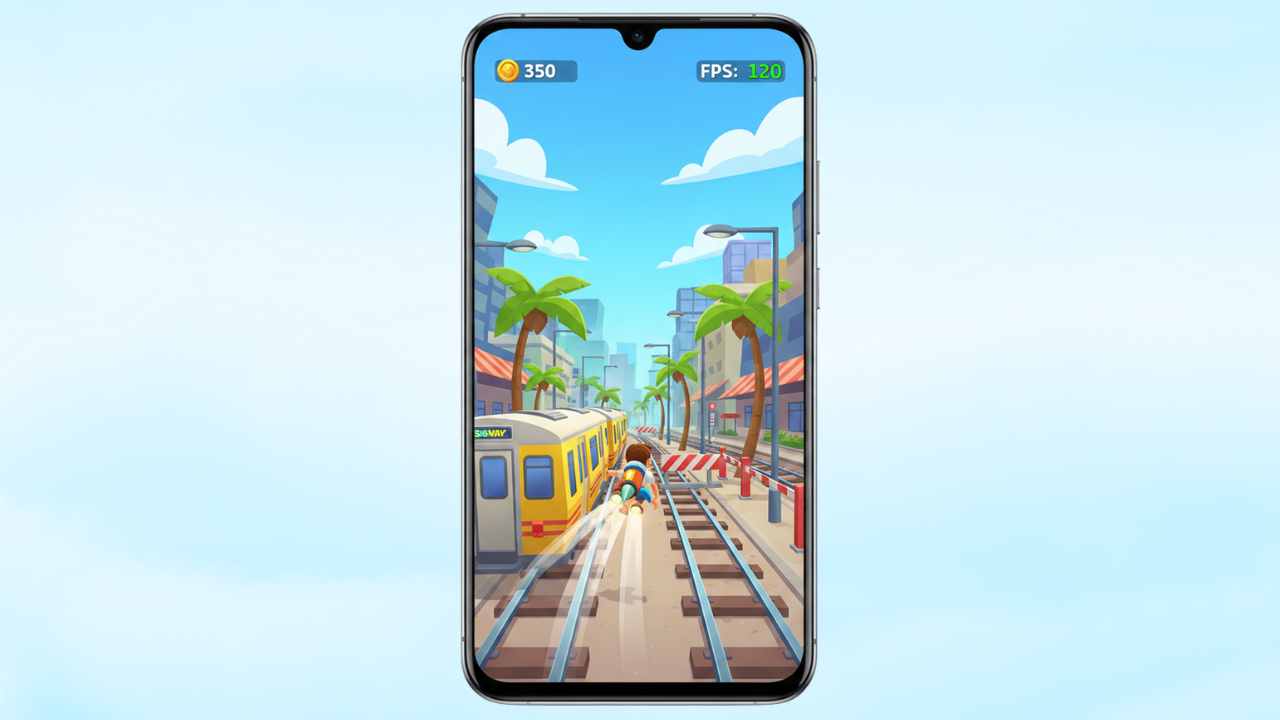
Lag and frame drops in endless runner games can quickly ruin the fun. Subway Surfers is designed to run smoothly, yet many Android users still face stuttering, slow response, or sudden freezes. This How to Fix Lag in Subway Surfers on Android (2025 Guide) explains the most common causes and practical solutions based on specifications, benchmarks, and user reports.
With Android devices becoming more powerful, lag issues in 2025 are often linked to software settings, background load, or storage limitations rather than the game itself.
Why Fixing Subway Surfers Lag Matters in 2025
Subway Surfers continues to receive visual upgrades, new maps, and frequent updates. These improvements increase system demands slightly over time.
According to manufacturer data and user reports, performance issues now appear more often on:
- Entry-level and older Android phones
- Devices with limited RAM or storage
- Phones running heavily customized Android skins
Fixing lag ensures smoother gameplay, better touch response, and lower battery drain.
Minimum Requirements to Run Subway Surfers Smoothly
Based on specifications and benchmarks, Subway Surfers performs best when the device meets these baseline requirements:
| Requirement | Recommended for 2025 |
|---|---|
| Android Version | Android 9 or higher |
| RAM | 3 GB minimum (4 GB preferred) |
| Storage | At least 1 GB free space |
| Processor | Quad-core or better |
| GPU | Basic OpenGL ES 3.0 support |
Devices below these specs may still run the game but can experience lag during longer sessions.
Common Reasons for Lag in Subway Surfers
Understanding the cause helps apply the right fix.
1. Background Apps Using RAM
Apps running in the background consume memory and processing power, reducing resources available for the game.
2. Low Storage Space
When internal storage is nearly full, Android struggles with caching and temporary files, causing stutters.
3. High Graphics Settings
Newer updates may increase visual effects that low-end GPUs cannot handle efficiently.
4. Thermal Throttling
Extended gameplay can heat up the device, forcing the processor to slow down automatically.
5. Outdated Software
Old Android versions or game builds may not be optimized for newer patches.
How to Fix Lag in Subway Surfers on Android
Clear Background Apps Before Playing
Close unused apps from the recent apps menu. This frees RAM instantly and improves stability.
Free Up Storage Space
Ensure at least 1 GB of free internal storage by:
- Deleting unused apps
- Clearing cached files
- Moving media to cloud or SD card
Reduce In-Game Visual Load
While Subway Surfers has limited graphics settings, smoother performance can be achieved by:
- Disabling system-wide animations
- Turning off floating windows or overlays
Enable Game Mode (If Available)
Many Android brands offer built-in Game Mode or Game Space features. These prioritize CPU and RAM for gaming.
Keep the Game and OS Updated
Updates often include bug fixes and performance optimizations. Running the latest version improves compatibility.
Avoid Overheating
Play in a cool environment and avoid charging while gaming. Heat directly impacts performance.
Android System-Level Optimization Tips
These general steps improve gaming performance beyond Subway Surfers:
- Restart the phone regularly
- Disable battery saver while gaming
- Turn off auto-sync temporarily
- Use Lite versions of heavy apps
Well-suited for budget and mid-range phones commonly used in India, Brazil, and emerging US markets.
Subway Surfers Performance Comparison (Low-End vs Mid-Range Phones)
| Device Type | Expected Performance |
|---|---|
| Entry-level (3–4 GB RAM) | Playable with occasional drops |
| Mid-range (6–8 GB RAM) | Smooth and stable |
| High-end (8+ GB RAM) | Consistent 60 FPS |
Based on user reports, mid-range devices offer the best balance between performance and battery efficiency.
Conclusion: Is Subway Surfers Still Smooth on Android in 2025?
Yes. Subway Surfers can run smoothly on most Android phones in 2025 when basic optimizations are applied. Lag issues are usually linked to background load, storage pressure, or heat management rather than hardware limitations.
By following the steps in this guide, players can significantly reduce lag and enjoy uninterrupted gameplay.
Also Read:
- Best Phones for Subway Surfers (2025)
- iQOO Z7 Pro 5G: Specifications, Features, and 2025 Relevance
- Redmi Note 13 Pro: Specifications, Performance, and 2025 Relevance
- Realme Narzo 80 Pro: Full Specifications, Features & Performanc
- iQOO Z10R 5G: Specifications, Performance & Market Relevance in 2025
- Samsung Galaxy M36 5G: Specifications, Features, and 2025 Perspective
- realme C67 5G: A Practical 5G Smartphone for Everyday Users in 2025
Lag in Subway Surfers (FAQ)
Why does Subway Surfers lag on new Android phones?
Lag can occur due to background apps, aggressive battery optimization, or thermal throttling, even on newer devices.
Does RAM affect Subway Surfers performance?
Yes. Devices with 4 GB RAM or more handle updates and longer sessions more smoothly.
Is Subway Surfers optimized for Android 14 and newer versions?
According to developer update notes and user reports, newer Android versions generally improve stability.
Can clearing cache fix Subway Surfers lag?
Clearing cache can help if temporary files are causing slowdowns, especially after major updates.
Does internet speed affect Subway Surfers gameplay?
Gameplay is mostly offline, but slow internet may affect loading events and ads.
Disclaimer: This article is based on publicly available specifications, manufacturer information, benchmark data, and user reviews. Actual performance may vary depending on device variant, software updates, and usage conditions.

Simran Shah is a technology writer, graphic designer, and digital content creator with over 4 years of hands-on experience in the Indian tech space. She covers budget smartphones, gadgets, and tech accessories — with a strong focus on helping everyday Indian buyers make smarter purchasing decisions without overspending.
Simran runs two YouTube channels dedicated to AI tools, mobile technology, and automobiles, where she breaks down complex tech topics into simple, actionable content. Her research process involves comparing real specs, reading user reviews, and testing usability — so her recommendations reflect genuine insight, not just specifications copied from brand pages.
As a graphic designer working with tools like Canva and Leonardo AI, she brings a unique visual perspective to tech content — understanding both the product and how to communicate it clearly. Her content has been created with one goal in mind: do the research so you don’t have to.
When she’s not writing or designing, she’s deep-diving into the latest gadget launches, affiliate product comparisons, and AI developments shaping the tech world in India.